QR at the counter
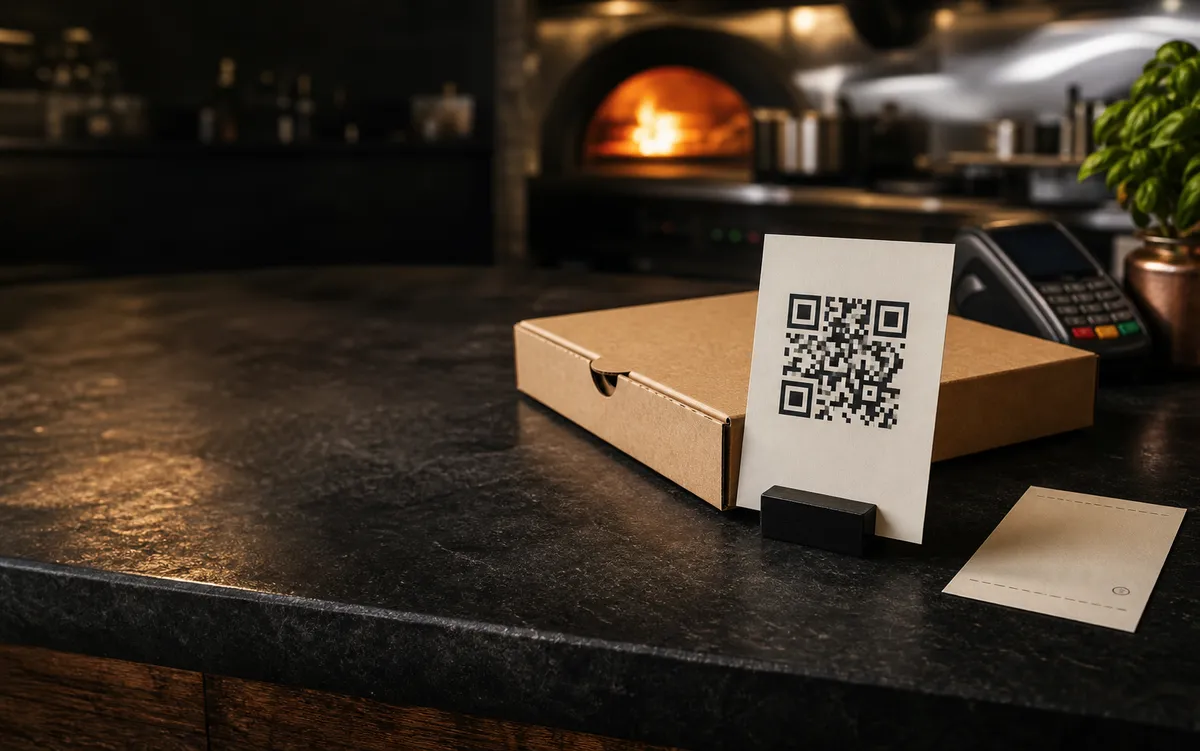
Put one code on a counter card, window, menu, flyer, or pizza box so regulars can order without calling during service.
For independent pizzerias
Pizza x402 gives your shop a direct ordering link and QR code for pickup orders. Customers choose from your menu, pay by card through Stripe, and arrive with a clearer order for the counter.
Put one code on a counter card, window, menu, flyer, or pizza box so regulars can order without calling during service.
Customers pay by card through Stripe before pickup, so the order reaches the shop already paid.
Pizza x402 stays narrow: direct takeout orders and a pickup path that works beside your current counter flow.
How it works
The setup path is intentionally short: enter the shop basics, connect payments, review the menu and storefront, then place the QR where orders already begin.
Start setup with the person who owns the shop relationship and can connect payment details.
Confirm the name, pickup address, opening hours, phone number, and practical pickup instructions customers need.
Connect Stripe before customers scan the code, then review the menu and storefront together.
Start with one visible placement and one familiar pickup flow before expanding to boxes, flyers, or window signage.
What changes
Pizza x402 moves repeatable pickup orders into a clearer paid web flow while the team keeps its normal service rhythm.
Customers can choose items, add simple notes, and pay without tying up the phone while the team is making pizzas.
A prepaid order with customer details and pickup notes is easier to handle than a rushed phone conversation.
The restaurant keeps the ordering path and customer relationship inside its own pickup flow.
Built for one shop
Pizza x402 gives one restaurant its own web ordering path and keeps the first customer action focused on pickup.
The first experience should match how the team already handles takeout instead of forcing a broad workflow.
Customers open a web storefront from a QR code or direct link and pay by card.
The goal is a reliable direct pickup channel that keeps the first customer path simple.
Before you share the QR
Wait to put the code in front of customers until the team can trust the flow during service.
Share the QR with customers only after the shop can take Stripe card payments reliably.
The team should know what ASAP and scheduled pickup windows mean during normal and rush-hour service.
Start with one obvious placement, then expand only after the first customer path feels natural.
Names, prices, availability, and pickup notes should be reviewed before the QR goes live.
Practical questions
If the flow adds work, needs special hardware, or distracts the team during service, it misses the point.
No. Pizza x402 is a direct ordering path for your shop and should fit beside the counter flow you already use.
No. Customers open a web storefront from a QR code or direct link, place a pickup order, and pay by card.
No special hardware is required for this pickup path. It should work with the devices and printer flow the restaurant already has.
The first flow is focused on takeout and pickup: customer menu, Stripe card payment, QR access, and the staff order desk.
You complete shop details, connect Stripe, review the storefront and menu, then prepare the first QR placement for your shop.
Ready when you are
Start setup if you already know the shop basics. Use contact if you want to talk through fit, Stripe readiness, or the first QR placement before you begin.